.webp)
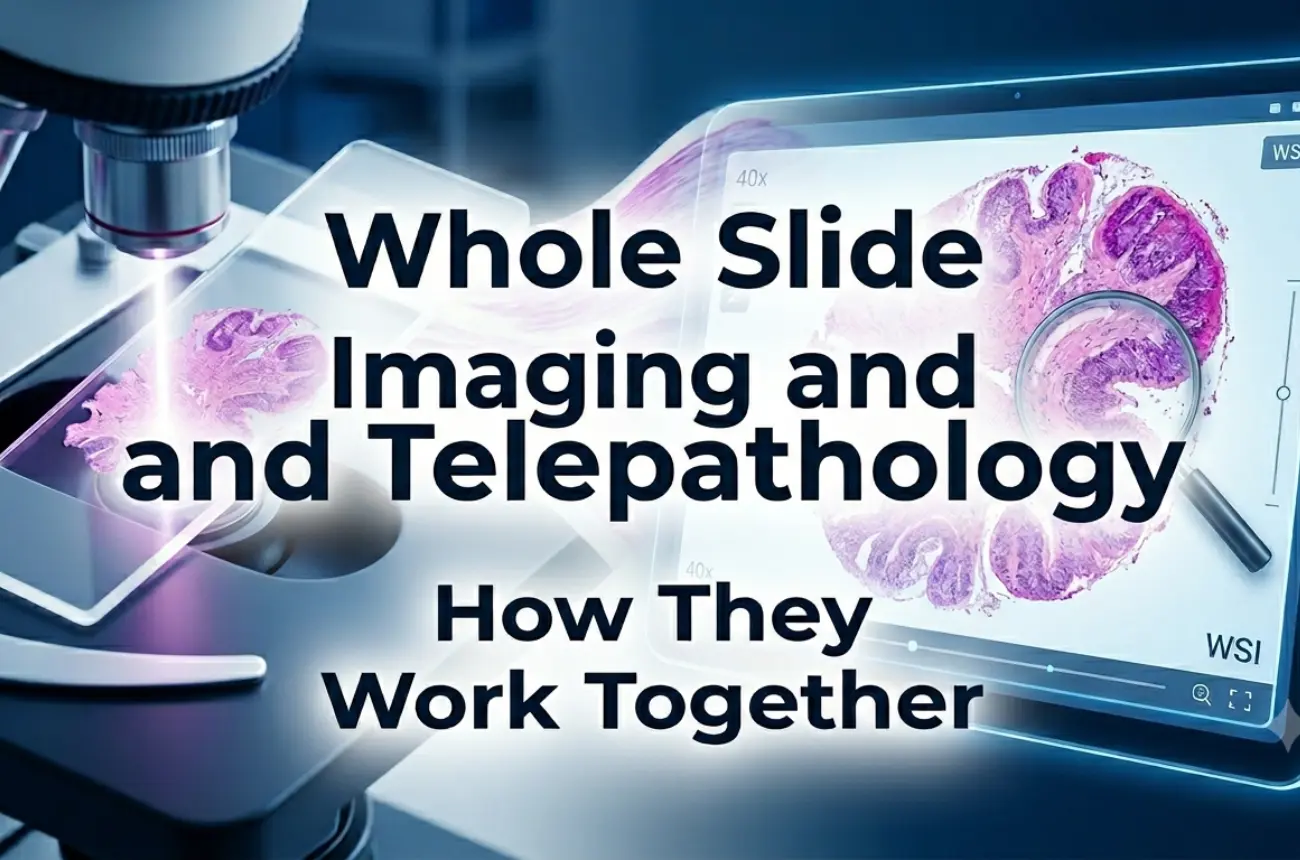
Whole Slide Imaging generates extremely large datasets. A single slide can range from a few hundred megabytes to several gigabytes depending on resolution, compression, and scanning strategy. For labs moving to a whole slide imaging system, planning storage is as important as selecting the scanner itself. This blog explains how to estimate storage requirements, what technical factors influence file size, and how Morphle helps labs scale efficiently with onsite and cloud-ready storage options.
Whole Slide Imaging System
A complete workflow for digitizing slides—including the digital pathology scanner, the processing engine, the WSI viewer, and the archival solution.
Digital Pathology Scanner
The device that generates WSI files by capturing the entire tissue section at high resolution.
WSI Viewer
Software that streams these large files efficiently, using pyramidal layers to make navigation smooth.
Virtual Microscopy
Viewing digital slides instead of glass slides, requiring high-performance rendering and fast storage access.
Telepathology
Remote diagnosis, which depends heavily on how quickly large images can be retrieved and streamed.
DICOM Pathology
A standardized format for storing and transmitting WSI files in clinical environments.
AI in Histopathology
Algorithms that process WSI files, often requiring uncompressed or lightly compressed images.
Once a lab transitions to digital:
Storage touches every stage. Poor storage planning results in slow loading, viewer lag, expensive migrations, and lost clinical time.
Higher resolution and higher magnification dramatically increase file sizes. A 40x scan can be 2–3× larger than a 20x scan.
JPEG compression reduces size but may affect AI workflows. JPEG2000 and pyramidal TIFF retain quality but produce larger files.
Slides with sparse tissue occupy less space; large sections or multiple sections increase size proportionally.
Multi-layer focus capture (Z-stacks) multiplies storage per slide.
DICOM pathology files may include metadata, annotations, and additional layers for AI or QC information.
Frequently accessed slides need fast, tier-1 storage; archives can be stored in cheaper, colder tiers.
Morphle scanners provide robust onsite storage:
Morphle supports hybrid deployment, allowing labs to pick the best combination of onsite and cloud storage.
Healthcare imaging is governed by data protection frameworks:
Your storage strategy must support both clinical workflow and legal obligations.
Most slides stored for 3–10 years, moderate file sizes, frequent daily retrieval.
Extremely high volumes; needs fast ingest and efficient compression.
Fast network access is essential; latency-sensitive.
Uncompressed or minimal compression files for model training; extremely storage-intensive.
Long-term preservation of curated sets, often with annotation layers.
Each of these scenarios dramatically affects the TB requirements of your whole slide imaging system.
To plan properly, consider the following:
Labs scanning 50–200 slides/day typically require 20–80 TB of active storage per year, depending on resolution and compression.
For help selecting the right scanner and storage tier, explore: Morphle scanner portfolio
The next few years will bring innovations that make WSI storage smarter, cheaper, and more adaptive:
Storage management will increasingly become an automated, intelligent component of every whole slide imaging system.
Morphle scanners offer built-in onsite storage optimized for real-world workloads:
This ensures storage never becomes a bottleneck in your digital transformation.
Contact our Specialists to understand your storage needs.


.webp)
.webp)
.webp)
.webp)
.webp)
.webp)